Free Calendar Maker
Make your own monthly calendars. Download an editable PDF to create any month — add your own title, days, holidays, and events.
How to Use the Calendar Maker
Download the PDF
Click a calendar maker file below to open the editable PDF in a new tab.
Fill in Your Details
Type your month title, date numbers, holidays, and events directly into the editable fields.
Save or Print
Save the completed PDF to your device or print it directly — no account required.
Free Calendar Maker Files
PDF Format
The files below have editable fields. You can change or add any text in any of the text fields. When you open the file you will see individual fields for the title, the day of the week, the date numbers, and the area to add events.
For details on printing or downloading, see the Printing Tips section on the homepage.
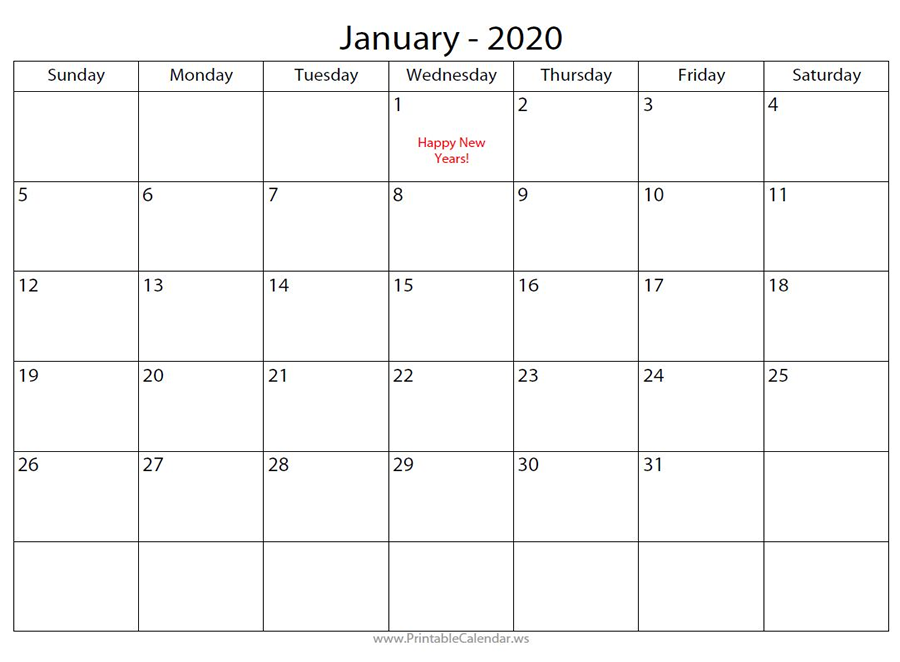
Free Calendar Maker — Blank with Red Text
A fully blank calendar maker with all text fields empty. Event fields display in red text — easy to spot when filling in your schedule.
View PDFPDFFree Calendar Maker — Blank with Blue Text
The same blank calendar maker layout with event fields in blue text. A clean, professional look for planning your month.
View PDFPDFNeed a Pre-Filled Calendar Instead?
Browse our ready-to-print blank monthly, weekly, and daily calendars — no editing required.
Browse All Calendars